
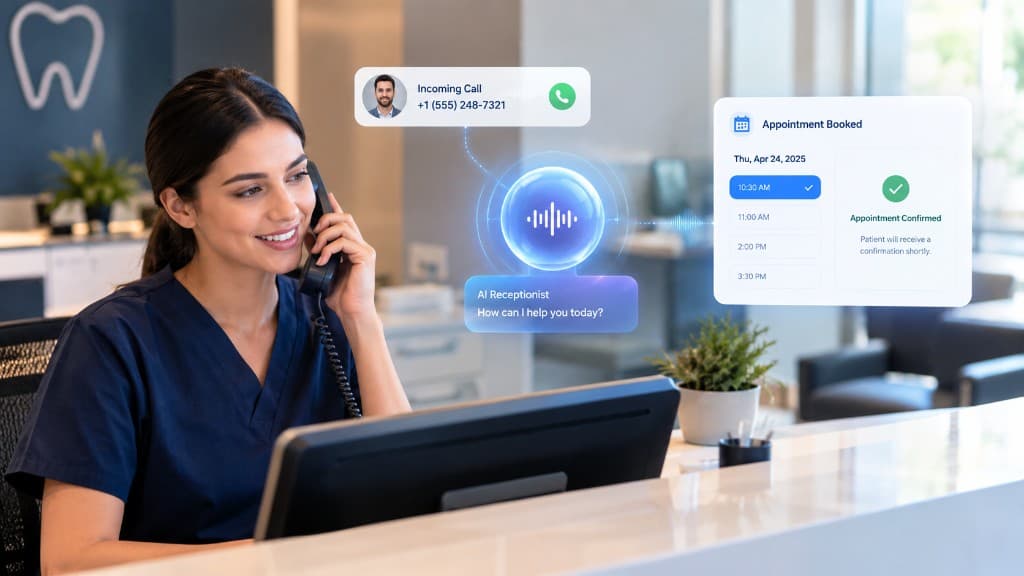
Dental front desks juggle check-in, insurance questions, and a constant stream of phone calls. An AI receptionist can take the repetitive scheduling and FAQ load so staff stay available for patients in the office.
This guide supports the dental industry page. It explains what to automate first and what should stay with humans.
Start with hygiene and exam booking
Existing patients calling for cleanings are high-volume and structured. If your scheduling rules are connected, an AI receptionist can offer open times, confirm patient details, and reduce voicemail for rebooks.
New-patient intake can come next: capture preferred times, reason for visit, and the insurance process details you allow — then book or escalate according to your script.
Keep clinical judgment with your team
Tooth-pain and treatment-plan questions need careful handling. The right automation path is empathy plus a scripted next step — not a diagnosis. Escalate symptom-related calls per your office rules.
Approved FAQs about hours, parking, and financing pages are safer automation targets because they come from content you publish and control.
How this differs from the dental industry lander
The dental industry page is the commercial conversion page for practices ready to evaluate Call & Flow. This article is the educational walkthrough of what to automate first and why appointment booking is usually the highest-ROI starting workflow.
When you are ready, pair the dental lander with the appointment booking use case and the AI receptionist product page.
Evaluating Call & Flow? Read the AI receptionist and AI voice agents pages, then compare pricing.